Friday, October 16, 2026
Affinity Workshop for Researchers
Scientific Illustration & Figure Design Workshop
Quickly learn everything you need to know to make figures, graphs, and illustrations for high impact journals using the latest graphic design tools


12:00 - 4:00 PM (4 hours)

Timezone: Eastern Time USA, GMT -4

One-on-one design support session

Workshop Fee: $120 USD
✔ Hands-on project files
✔ Beginner to intermediate level
✔ Lifetime access to over 400 templates, training materials, and tutorial videos
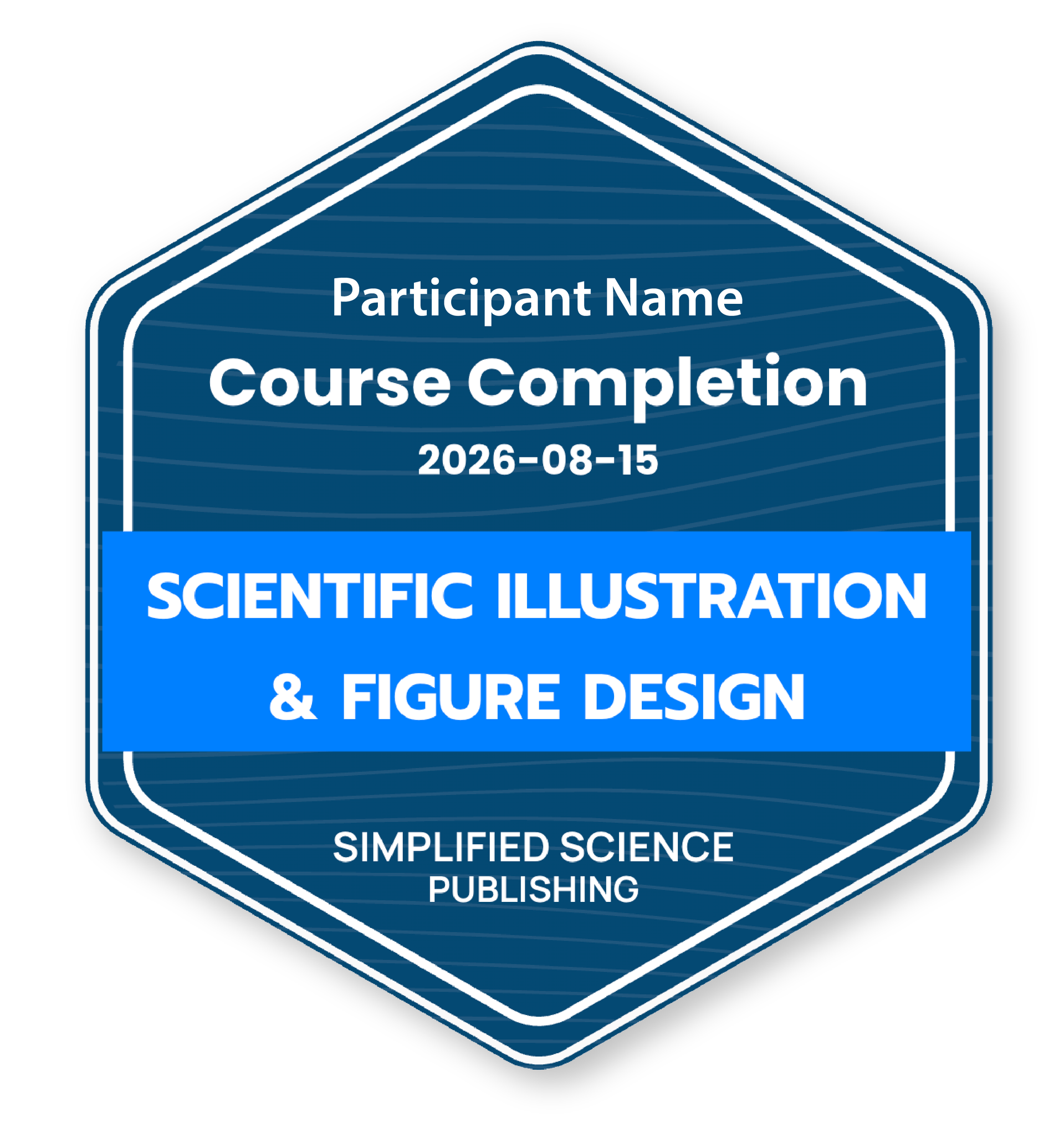
✔ Course certificate and LinkedIn badge
✔ Includes a separate one-on-one design support session after the workshop
Limited seats available!




Who is this workshop right for?

Beginners
Accessible for participants who have little to no experience using advanced vector design and graphing tools.

Students
Perfect for graduate students who want to create impressive scientific presentations, posters, and figures.
Career Scientists
Experienced researchers will learn new techniques and tools that will increase grant and publication rates.
What you'll learn
Workshop Participant Reviews
"I am looking forward to using both Affinity as well as the color theory and professional practice that was discussed."
Danyan L.
"I can help my coworkers with the creation of figures and artwork for their posters and research papers. Having this as a skill I can now let my boss know I’m open to receiving tasks that are higher level such as participating in the creation of lab papers and posters."
Melodie N.
"Importing and adjusting images and data from PDFs.
Optimizing illustration colors."
David N.
"Using Affinity to simplify and clarify figures for presentation.
Drawing summary illustrations for scientific papers."
Casey T.
Workshop Features
Lifetime access to the step-by-step tutorial videos, user guides, and templates.
Individual support to help you optimize your own scientific illustrations and figures.
Learn efficient design workflows to quickly bring your ideas to life in Affinity vector studio.
400+ illustration templates without any additional cost. You can use these without attribution.
Quickly build confidence in using Affinity tools and templates to create impressive custom designs.
Formatting skills for scientific journals and grants that increase acceptance rates.
Professional certification that boosts your credibility and expands career options.
Meet people in the scientific illustration community to build a professional network.
Get Certified
List of Services
-
Official CertificationList Item 1
You will receive a course completion certificate with a unique credential ID and URL that employers can use to verify your certification online. Use your certificate to boost your professional credibility.
-
LinkedIn BadgeList Item 2
Certification includes a link that adds it to the "Licenses & certifications" section on your LinkedIn profile. You can also include the certificate in your CV or resume and easily share your accomplishments on social media.
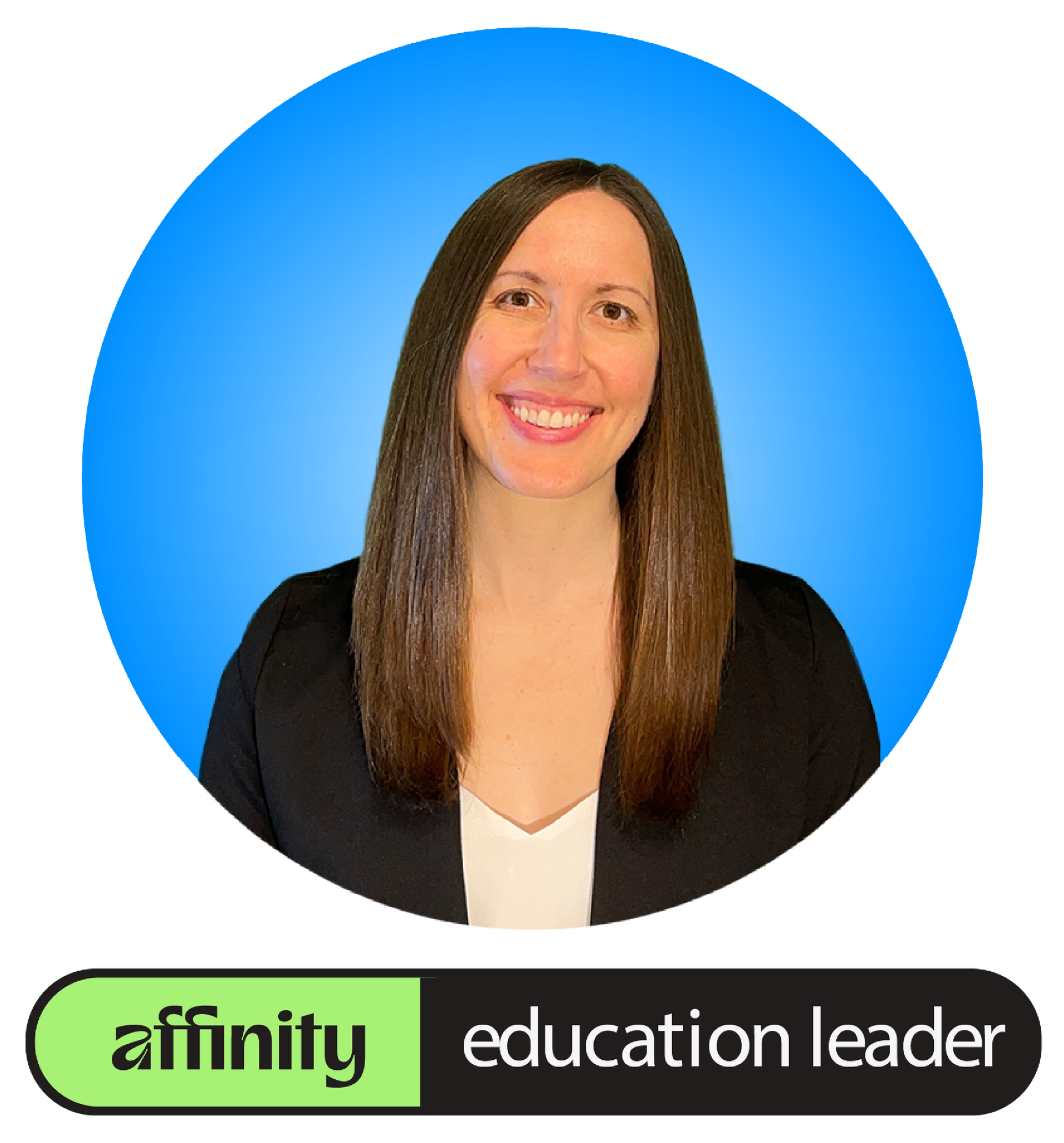
Workshop Instructor
Dr. Karen Thiebes is a professional scientific illustrator with a Ph.D. in Neuroscience. For over 10 years, she has taught scientific design courses, helping participants quickly transform data into clear, effective visuals. As an Affinity Education Leader, she is committed to making design skills more accessible to everyone.
Why Affinity?

Affinity is the best vector design software for researchers. It gives you powerful, precise design tools that work seamlessly alongside Adobe Illustrator files. And best of all, Affinity is now free! Download here
Workshop FAQs
After purchasing the workshop, how do I access the tutorial videos, project files, and templates?
Option 1: You will receive access to the templates and main workshop materials via email before the workshop start date.
(No additional action is required)
Option 2: If you want access to the additional Affinity tutorial videos and the entire download library, you will receive a separate email to create a website Course Log In for access to the protected pages.
- After the workshop, check your email and spam folders for the subject "Your members-only invite is here" from www.simplifiedsciencepublishing.com
- Click on the "Accept Invite" link and then you can create a website Log In to access the workshop resource pages with the tutorial videos, project files, and templates.