Overview of Affinity for Scientists
SIMPLIFIED SCIENCE PRO
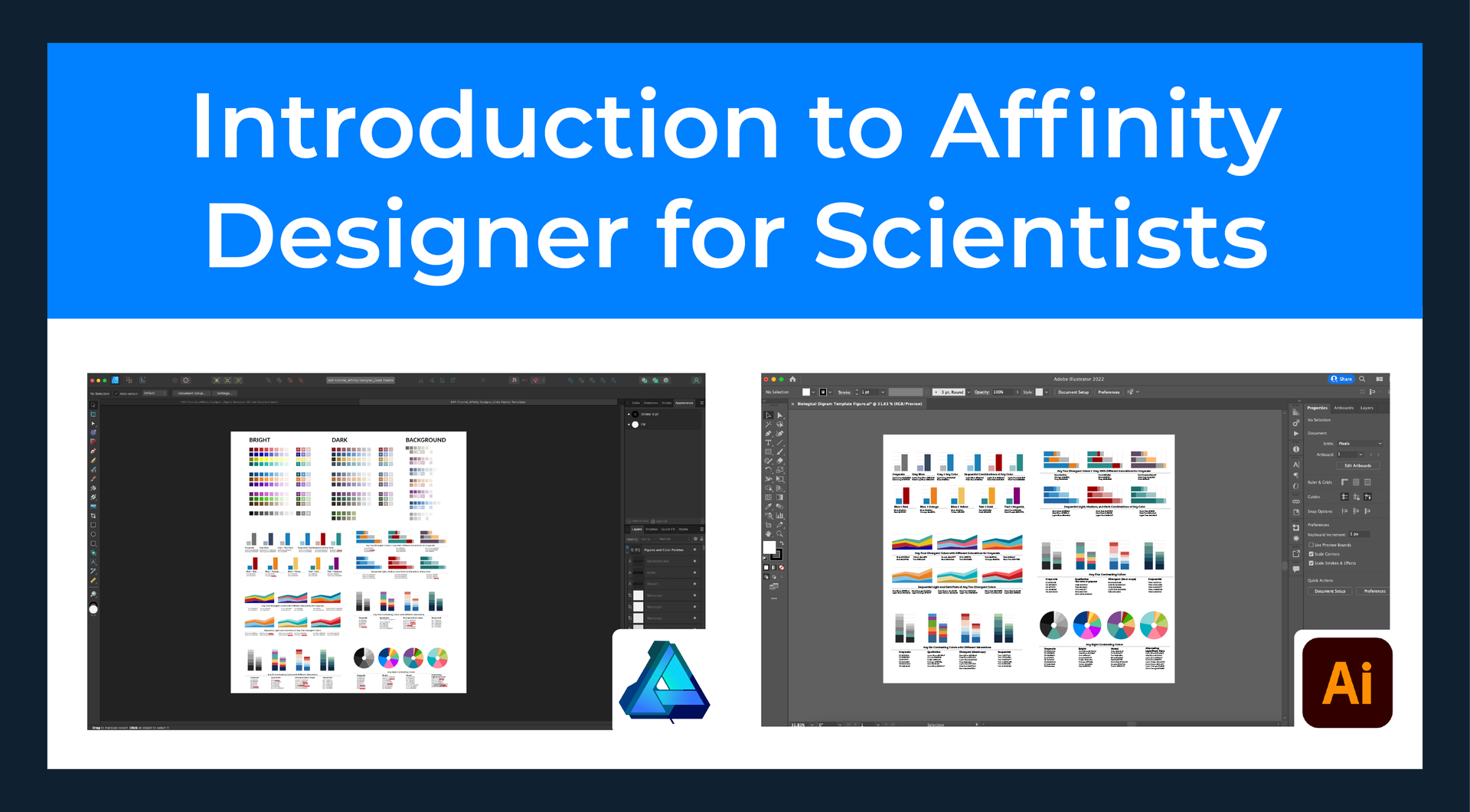
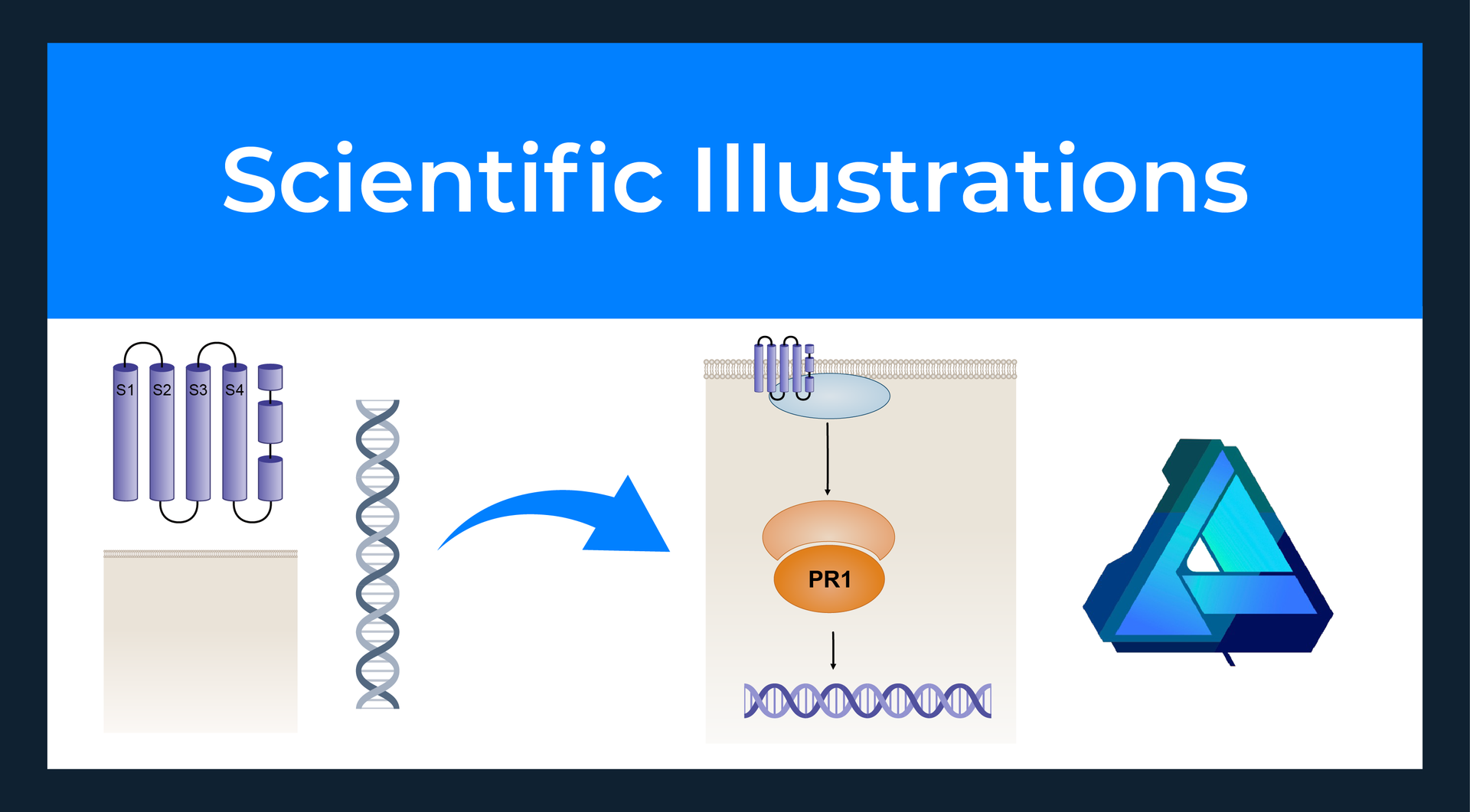
Online training to use Affinity by Canva to create scientific illustrations, data visualizations, and figures for publication. Tutorials provide an overview of how to use the tools that are similar to Adobe Illustrator.
Interested in a live scientific illustration workshop?
Quickly learn everything you need to know to create impressive scientific illustrations and figures in Affinity. The workshop includes access to over 400 templates and certification.

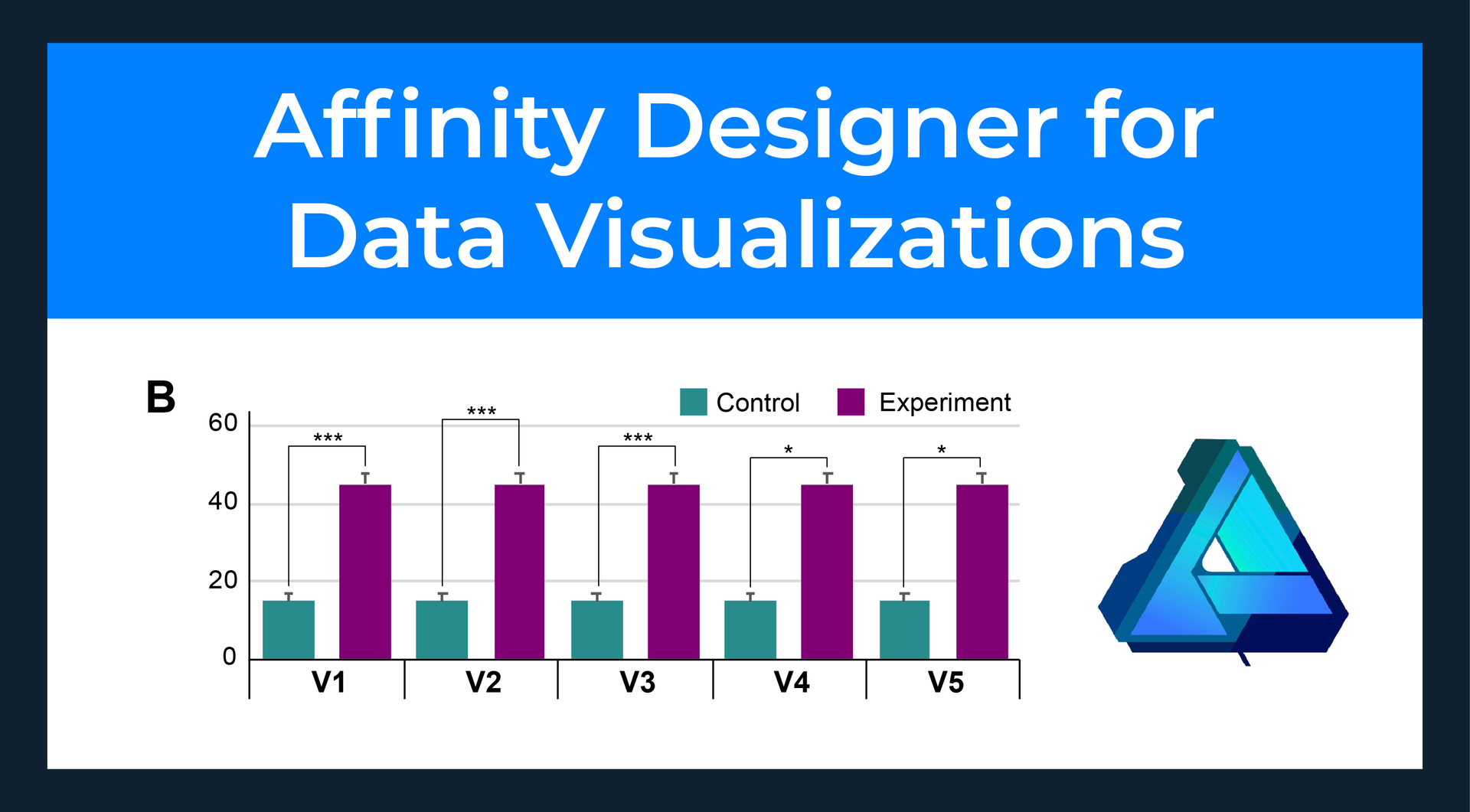
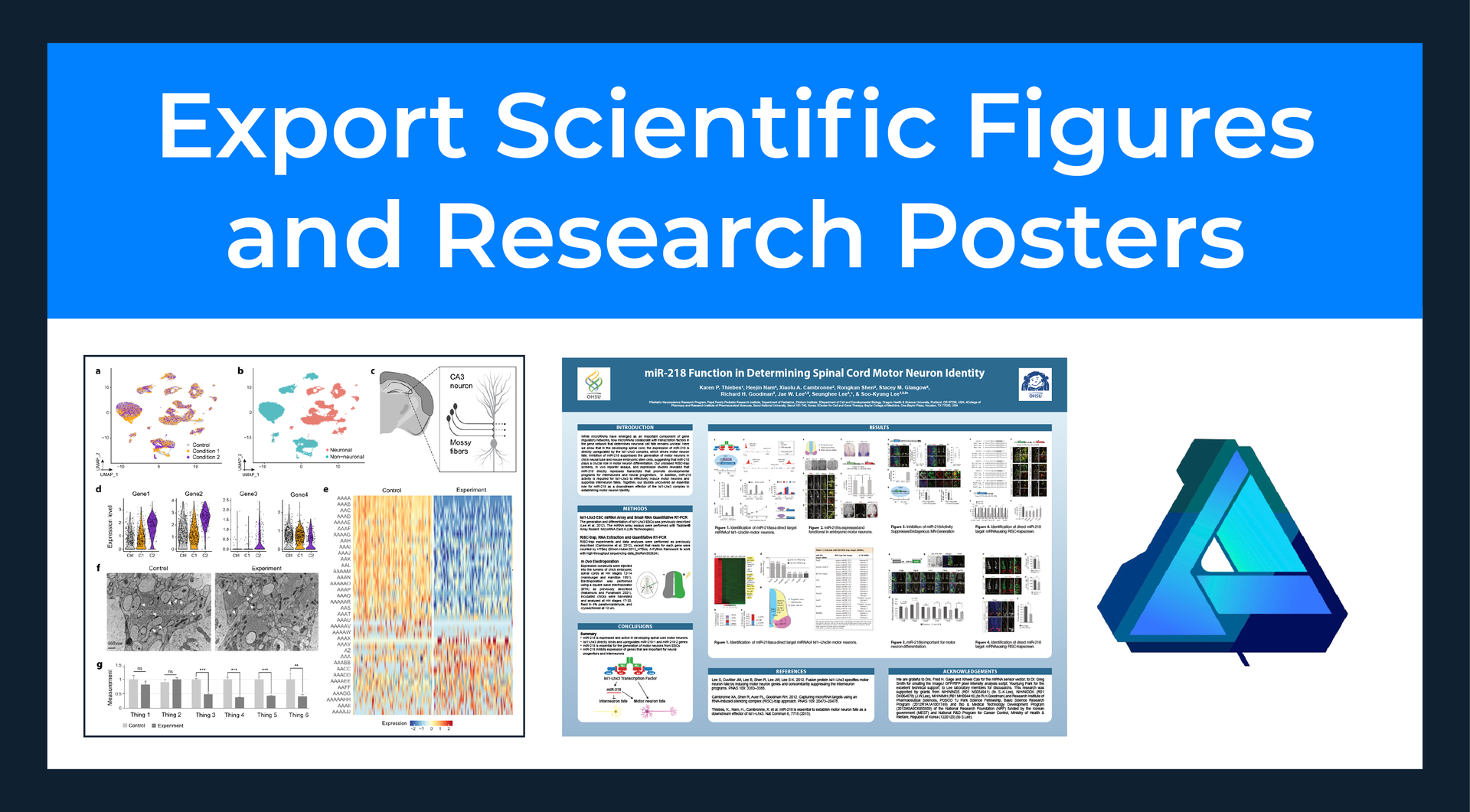
Learn scientific design and drawing techniques for Affinity by Canva (formerly called Affinity Designer). In these tutorials, you will:
- Learn how to use Affinity to draw custom scientific illustrations and optimize data visualizations
- Understand the similarities and differences between Affinity and Adobe Illustrator
- Get expert tips on how to use the Affinity tools to quickly create figures for publication that are formatted for standard scientific journal requirements
Beginner / 5 tutorial videos

Affinity is the best scientific illustration software alternative to Adobe Illustrator. Affinity is now free via Canva!

Course Instructor
Dr. Karen Thiebes is a professional scientific illustrator and has a Ph.D. in Neuroscience. She has led scientific design courses for over 8 years and enjoys teaching participants how to quickly transform data into effective designs using Affinity, Adobe Illustrator, PowerPoint, and Excel. She is also an Affinity Education Leader who supports improving accessibility to design software and training for everyone.
Advanced Online Courses
Sign up to receive access to this course and all of the Simplified Science courses for only $59. New courses are added every year to stay up-to-date with the latest scientific design techniques. The Pro courses also include popular templates such as the Biological Diagrams, Laboratory Tools, and Excel graphing templates with over 400 illustrations that you can use in your own scientific designs. Learn more here!